Stop typing bills in by hand.
- PDF and photo input
- Vendor, dates, lines and VAT extracted
- You review before anything posts
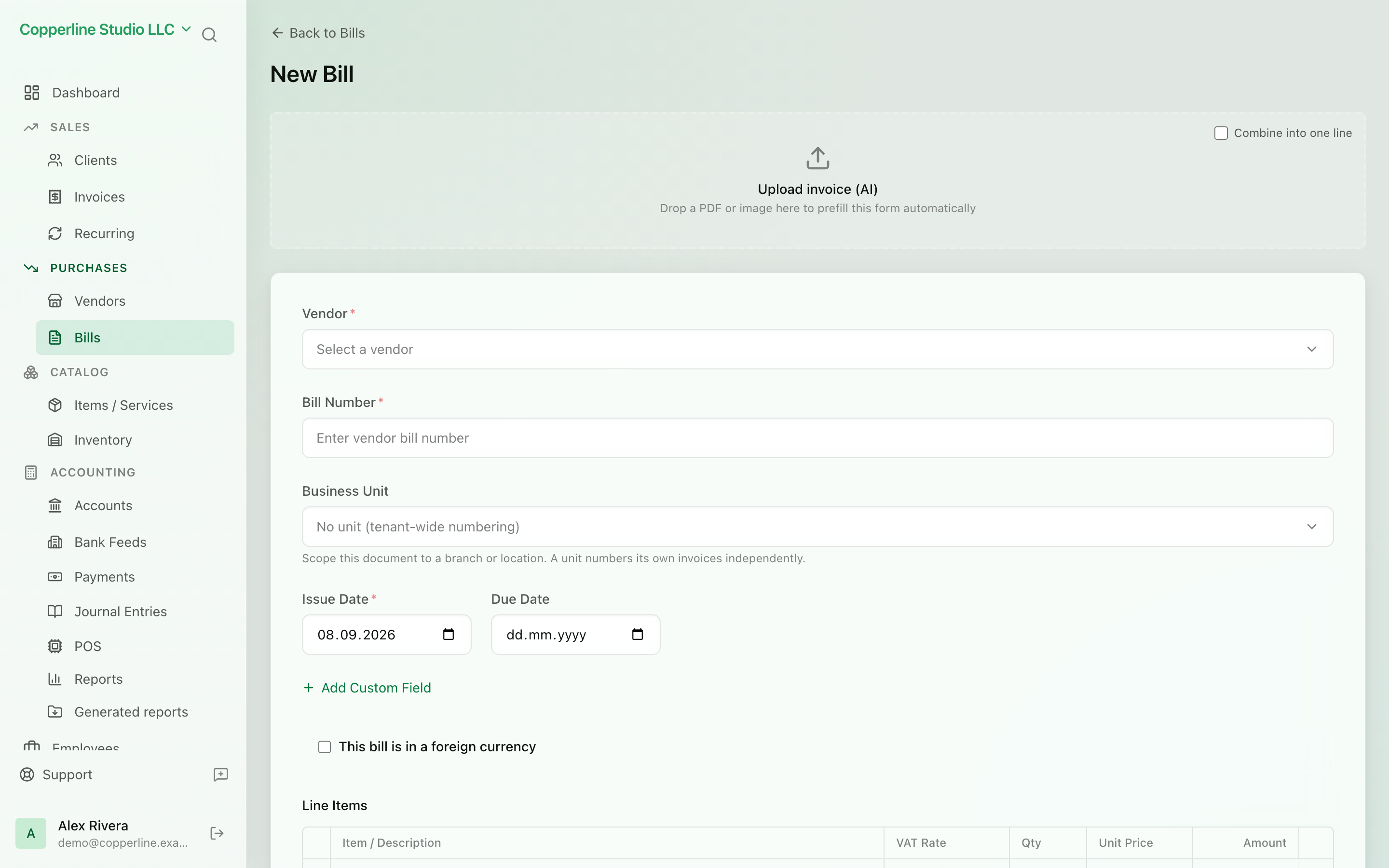
See it in motion
- A supplier's PDF bill is dropped onto a new bill.
- A scan passes down the page; the vendor, bill number, issue date and due date are found and filled into their fields, each with a confidence score.
- Each line item, the 20% VAT and the 192.00 total are found and added to the bill's lines.
- The vendor is matched to an existing contact, and the bill is a draft: nothing posts until you confirm.
- Saving keeps the PDF attached to the bill.
What you get
Drop in a supplier's PDF or a photo of a receipt. Nefin reads the vendor, dates, lines and VAT into a bill you approve.
Frequently asked
Which file types can I upload for extraction?
PDF, PNG, JPEG, WebP and HEIC. Scans and phone photos both work; for best results keep the whole document in frame and legible.
Does extraction post to the ledger automatically?
No. Extraction always produces a draft you review. Only when you confirm does the bill post its journal entry to accounts payable and expenses.
How many extractions are included?
Starter includes 10 a month, Professional 100 and Business 400. Extractions beyond the allowance are metered per document and appear on your usage page before they are billed.
Is my document sent to a third party?
Documents are processed by an AI model running in the same AWS region as your data. Files are stored in your company's private storage and are never used to train models.
Works with
Bills & expenses
Track what you owe vendors and stay ahead of due dates.
Learn moreFile attachments
Drag receipts, contracts and statements onto the records they belong to.
Learn moreVendor management
Every supplier, every bill, every balance.
Learn moreAI assistant
Ask questions about your books; approve any change before it happens.
Learn more