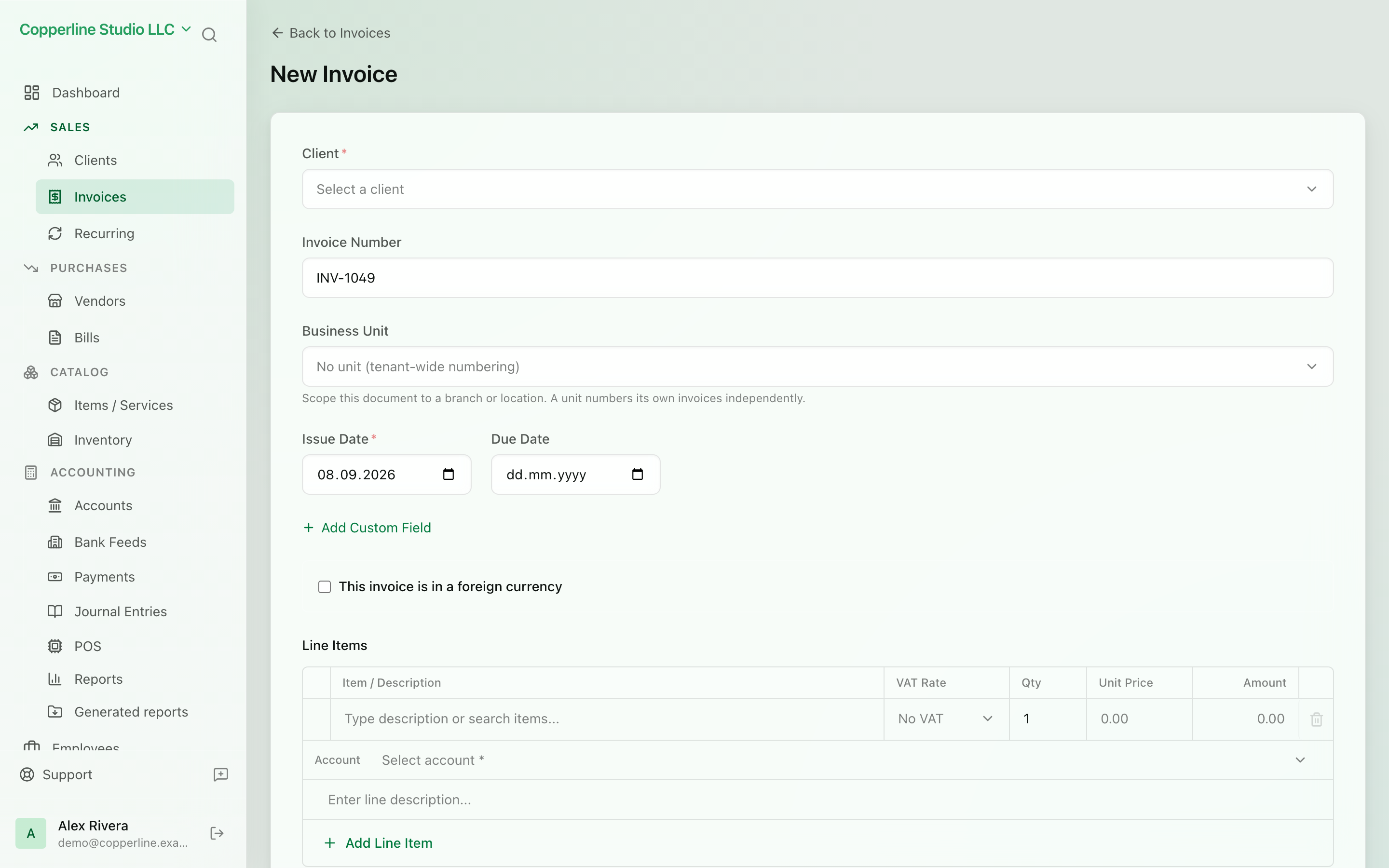
Bill in their currency. Report in yours.
- Any ISO currency per document
- Exchange rate stored per document
- Ledger and reports in base currency
AI bill extractionAI assistant
What you get
Issue a document in the customer's currency, record the rate that applied, and keep every report in your base currency.
Frequently asked
Which plan includes multi-currency?
Multi-currency documents are part of the Business plan. Starter and Professional companies work in a single base currency.
Does Nefin fetch exchange rates automatically?
You set the rate per document today, so the rate on the invoice is always the one you chose. Automatic rate updates are on the roadmap.
How are exchange differences handled when a payment arrives at a different rate?
The document clears at its recorded rate. Any difference between what you received and the base-currency receivable is posted as a realised exchange gain or loss journal, which you can review and adjust.