Built like the books depend on it.
- TOTP two-factor for every user
- Trusted devices
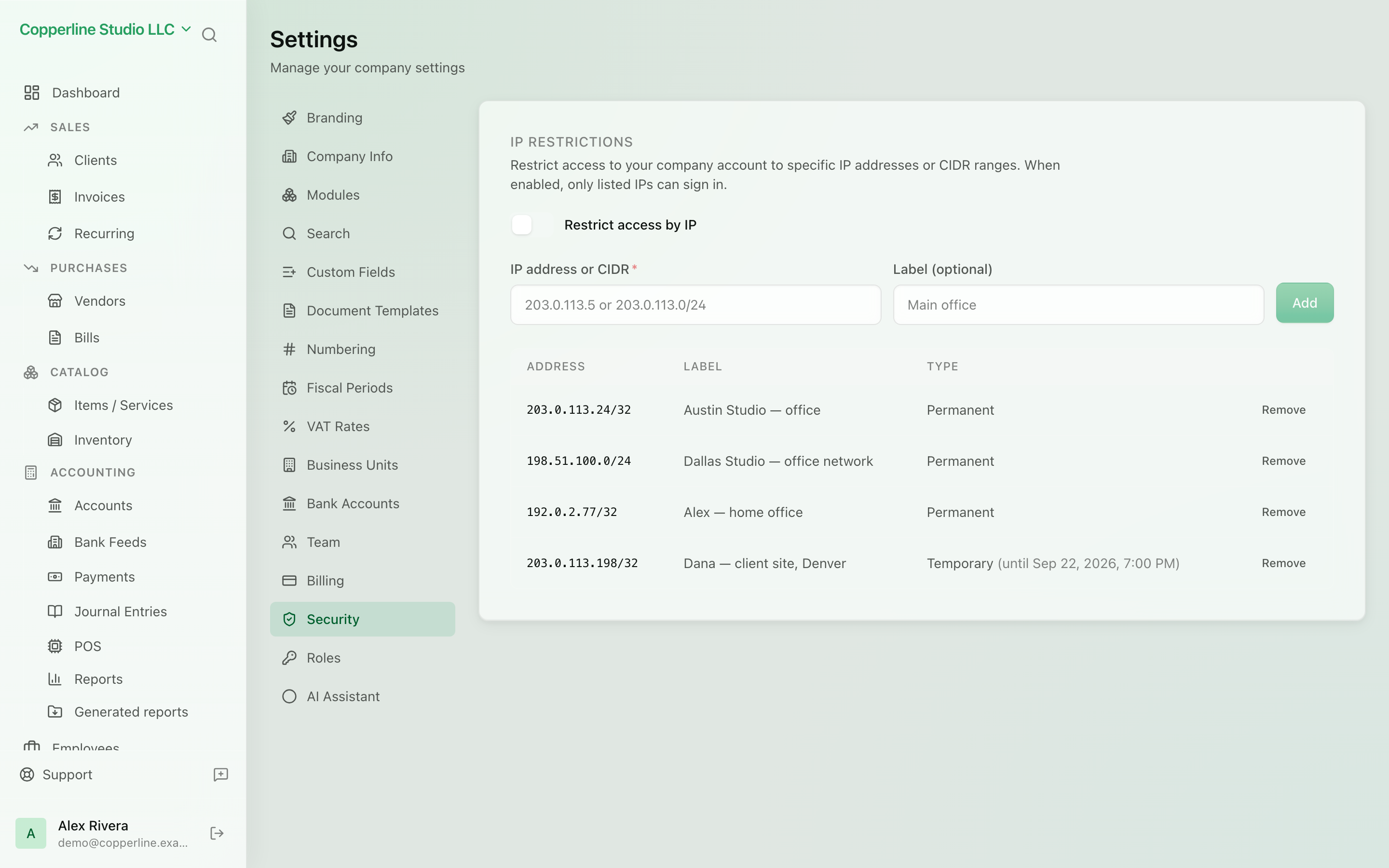
- Per-company IP allowlist (Business)
What you get
Authenticator-based two-factor sign-in for every user, an immutable audit log, and one isolated database per company.
Frequently asked
Is two-factor authentication mandatory?
Yes. Every user enrols an authenticator app at first sign-in; there is no SMS or email-only fallback. Trusted devices let you skip the challenge on a device you use daily.
Which plan includes the IP allowlist?
The per-company IP allowlist is part of the Business plan. Two-factor authentication, trusted devices, the audit log and per-company database isolation are on every plan.
What happens if I sign in from a new IP while the allowlist is on?
The sign-in is held and an approval email is sent. Approving it adds the address either temporarily or permanently — your choice — and the sign-in completes.
Where is my data stored?
In AWS in the EU (Frankfurt), in a database dedicated to your company, encrypted at rest and in transit. Files go to private per-company storage served through signed links.