The source document, one click away.
- Drag-and-drop on documents, journals, contacts, bank accounts
- In-app preview for PDFs and images
- Private per-company storage
What you get
Keep the source document next to the entry: receipts on bills, contracts on clients, statements on bank accounts.
Frequently asked
Which records can have attachments?
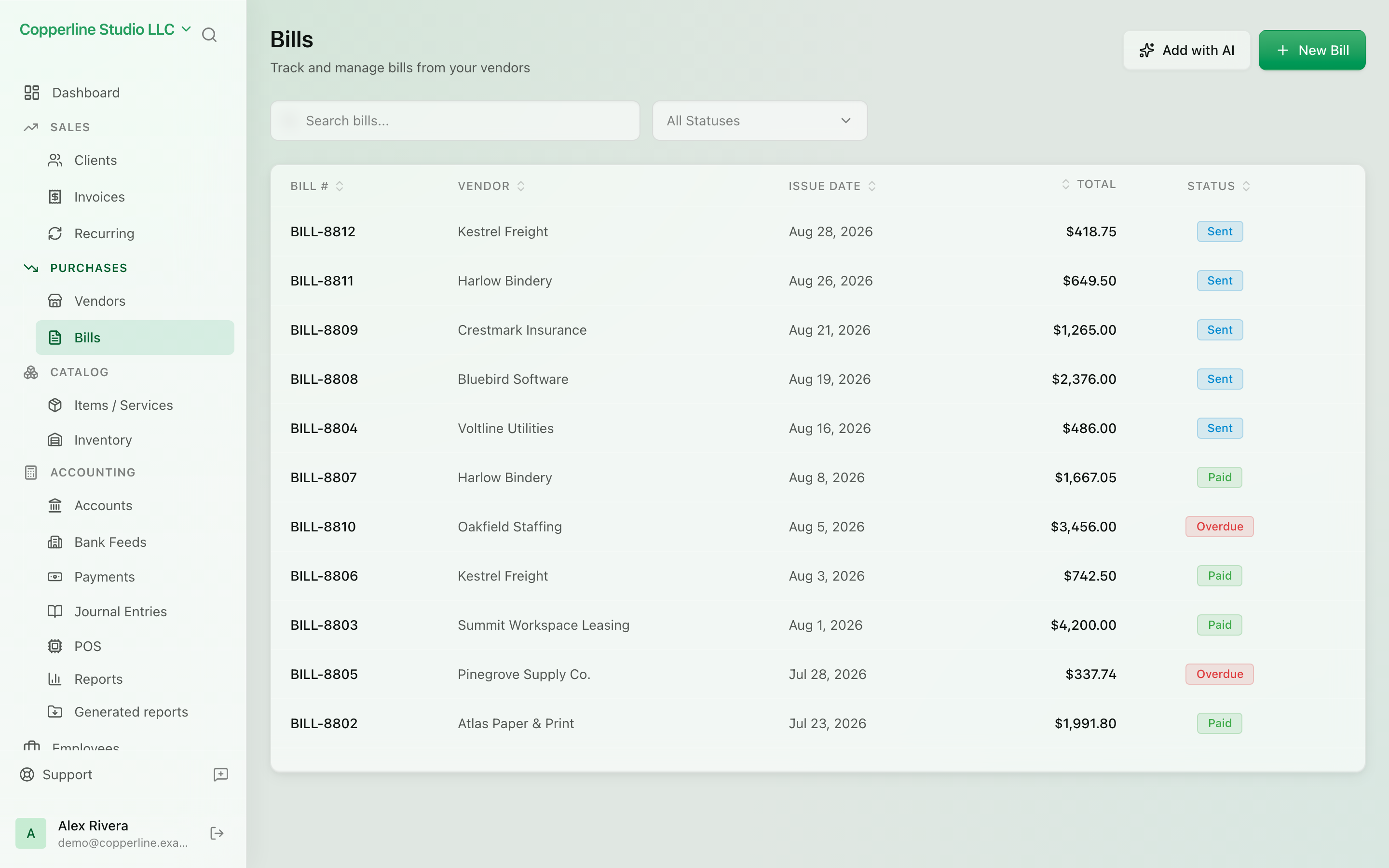
Invoices and bills, journal entries, contacts (clients and vendors) and bank accounts. Files attached to a bill are also what AI extraction reads from.
What is the storage limit?
Starter includes 1 GB, Professional 10 GB and Business 50 GB of storage, with 2, 10 and 15 GB of downloads a month respectively. Beyond the allowance storage and downloads are metered and shown on your usage page.
Are attachments included in exports and audits?
Attachment uploads and deletions are recorded in the audit log with the user and time. Files are downloadable from the record at any time, including for a closed fiscal period.
Works with
AI bill extraction
Upload a supplier bill as PDF or photo and review a ready-made draft.
Learn moreBills & expenses
Track what you owe vendors and stay ahead of due dates.
Learn moreClient management
Every customer, every balance, every interaction.
Learn moreBank accounts
Link accounts, reconcile cleanly, see real cash.
Learn more