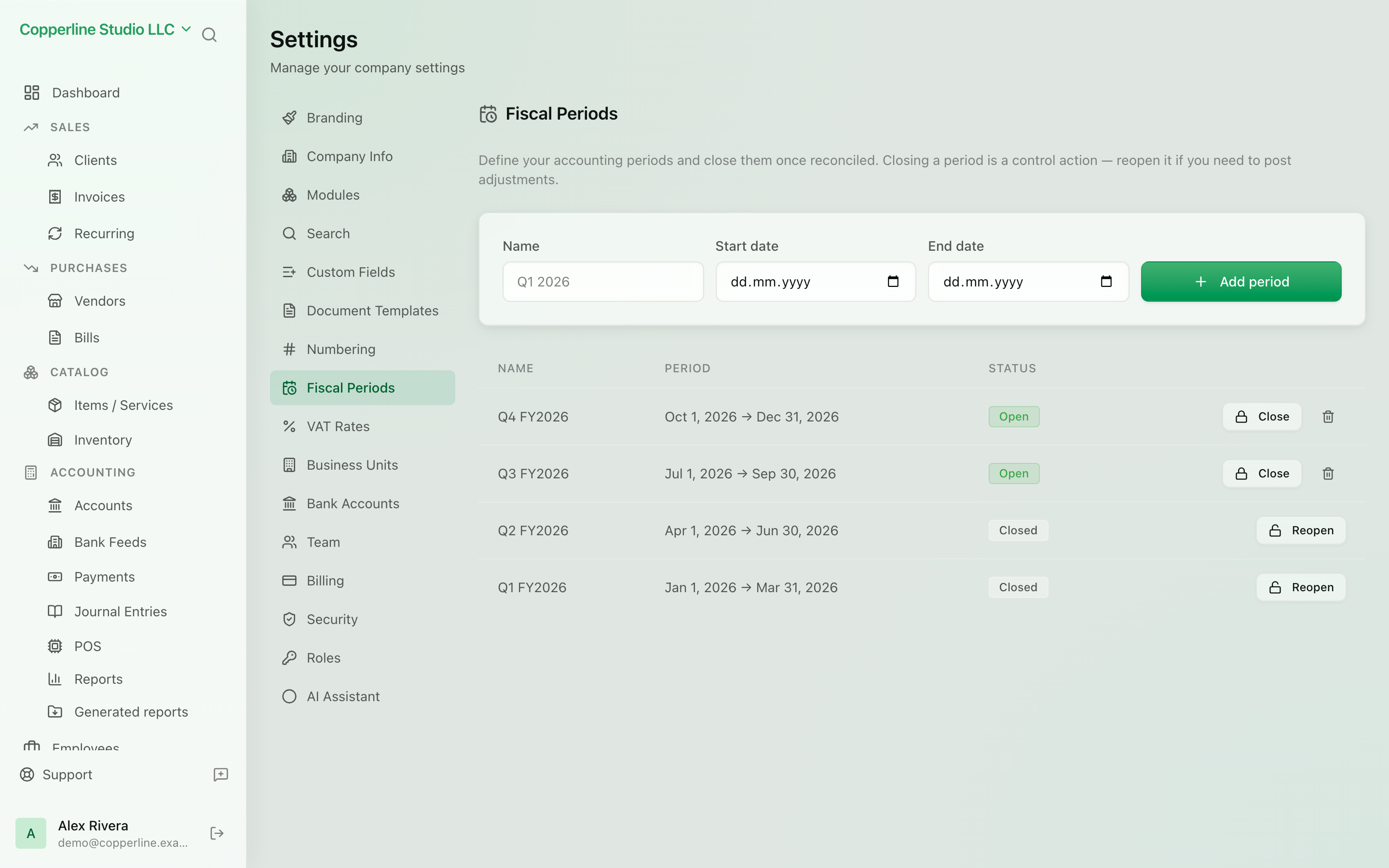
Report a period once. Then lock it.
- Open or closed status per period
- Blocks journals, documents and payments
- Records who closed it and when
Kosovo VAT / TAK booksAI bill extraction
What you get
Close a month or a year once it is reported, and every later posting into it is rejected.
Frequently asked
What exactly is blocked in a closed period?
Any journal entry, invoice, bill, payment or reversal whose date falls inside the closed period is rejected. This applies to manual entries, automatic postings from documents, and imports alike.
Who can close or reopen a period?
Users whose role grants fiscal-period management — by default the owner and admins. Roles are editable, so you can restrict this to your accountant.
Can I still view reports for a closed period?
Yes. Closing only prevents changes. Reports, the general ledger and exports for the period remain available and will always show the same figures.