Ask your books a question.
- Plain-language questions over your ledger
- Runs the same reports you can
- Drafts records; you confirm
What you get
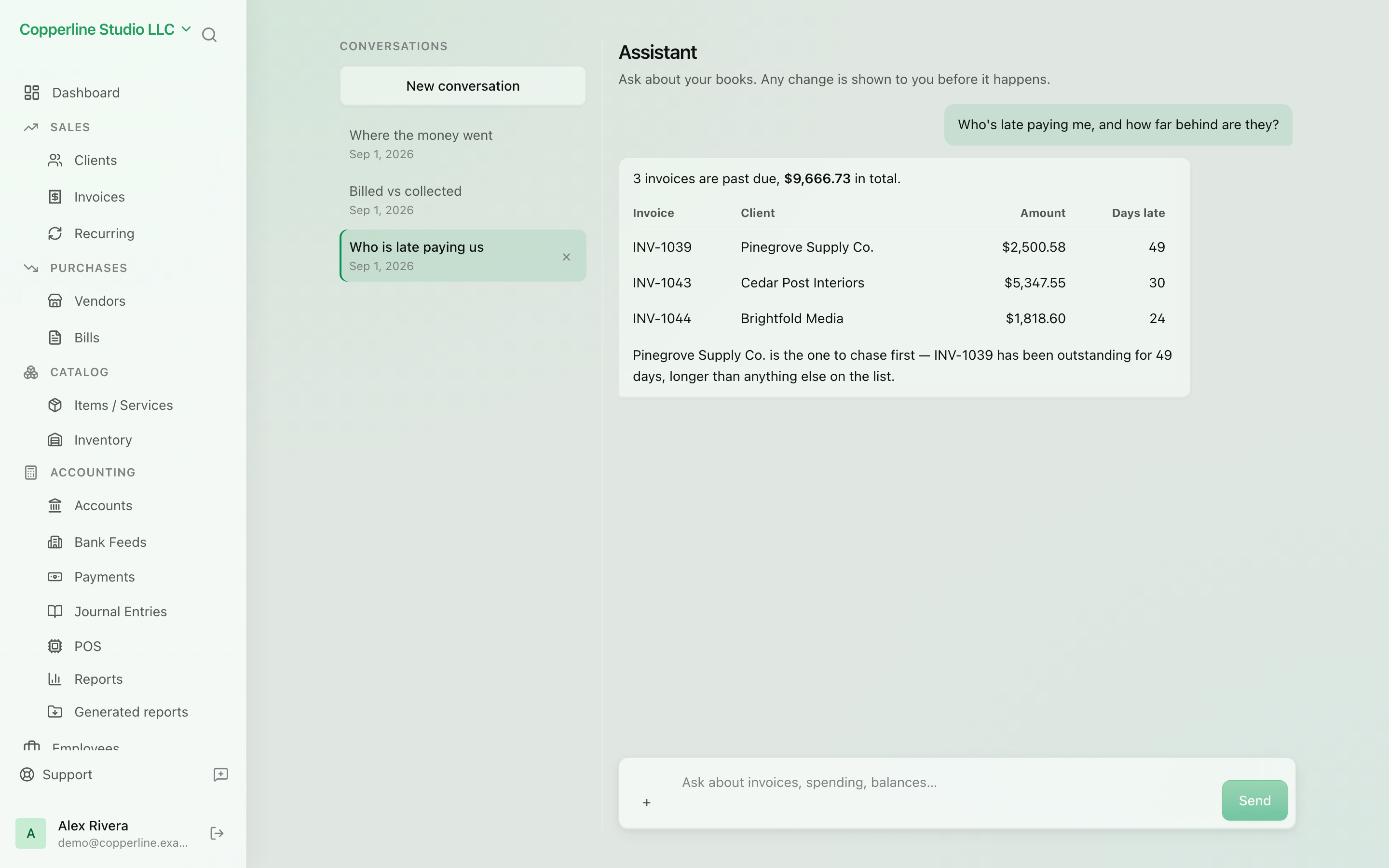
Ask what you spent, who owes you, or for a P&L — and let the assistant draft records you confirm.
Frequently asked
Can the assistant change my books without asking?
No. Every write — creating a contact, issuing an invoice, posting a journal, recording a payment — is proposed first and only happens after you confirm. Ledger-affecting proposals require a separate acknowledgement.
What can it read?
Accounts, contacts, documents, items, stock levels, journals, payments, VAT rates and every report you can run yourself: trial balance, P&L, balance sheet, cash flow, ageing, tax summary, budget vs actuals and your VAT books.
Is the AI assistant available on every plan?
AI features are enabled per company. Once your workspace has AI access, any plan can switch the assistant on in Settings → Modules; AI usage is metered and shown on your usage page.
Is my financial data used to train models?
No. Requests are processed by a model running in the same AWS region as your data, and your data is not used for training.
Works with
AI bill extraction
Upload a supplier bill as PDF or photo and review a ready-made draft.
Learn moreFinancial reports
P&L, balance sheet, trial balance, AR/AP aging, GL.
Learn moreAudit logs
Who changed what, when — for every record.
Learn moreJournal entries
Manual, double-entry postings for the edge cases.
Learn more