Send like a brand, not like an app.
- Edit invoice and reminder emails
- Customize PDF layouts
- Merge fields for dynamic content
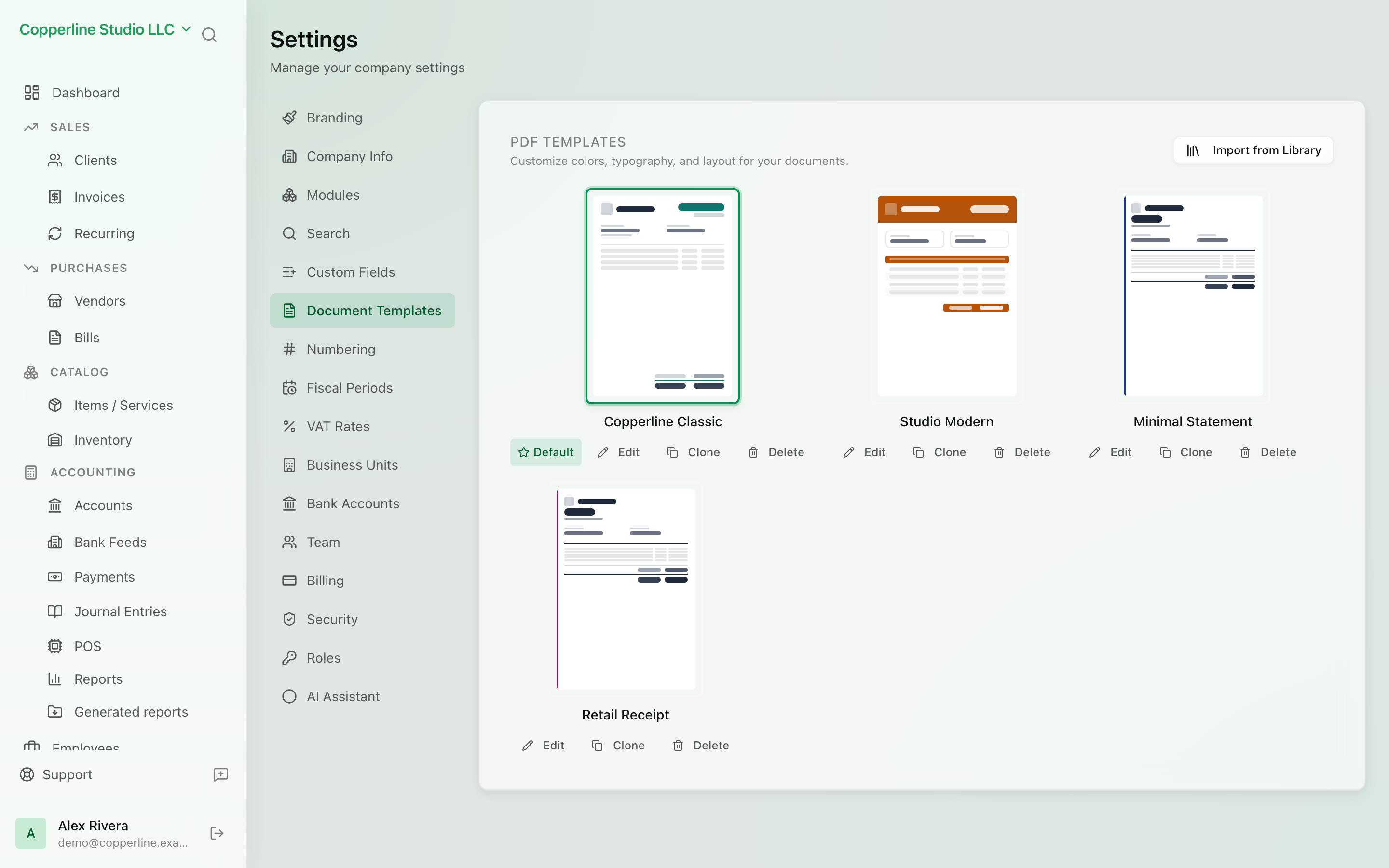
VAT & tax ratesBranding
See it in motion
Animation: a PDF template is edited and the invoice preview updates with every change.
- The accent colour is switched from green to blue; the invoice title, table rule and total recolour in the preview.
- Show Company Website and then Show Company Phone are switched off, and each drops out of the contact line under the company address.
- Show Company Fields is switched off and the registration number line disappears; the phone is switched back on.
- The "Generated by nefin.app" footer is switched off.
- The invoice title is renamed to Facture, and the template is saved for every PDF that uses it.
What you get
Email and document templates — so every send looks like you.
Frequently asked
Can I have multiple templates per type?
Today, one template per type per company. Multiple templates with rules are on the roadmap.
Do merge fields support conditionals?
Basic conditionals are supported (show/hide based on field presence). Advanced templating is on the roadmap.
Can I use my own HTML?
Yes. Switch the email editor to raw HTML for full control.